Good morning. It’s まさきん.
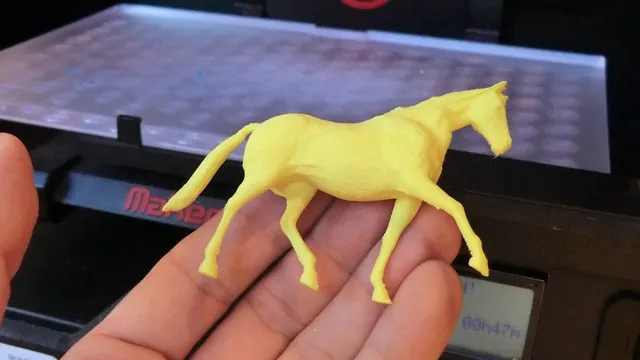
Today I want to talk about something a little different. I’ve actually gotten into a new hobby recently: 3D printing. I’ve never mentioned it on this blog before, so this is the first time I’m bringing it up.
It started with my kids’ craft projects. There were a few times I wished I had some small storage part just right for the job.
Looking around the house, there were quite a few little annoyances. Storage cases whose sizes were just slightly off. I kept thinking, “this would be so much faster if I could just make it myself.”
Still, jumping straight into buying a printer felt like a big step. A printer body starts at several tens of thousands of yen. Investing that much before knowing whether I’d actually stick with it felt genuinely risky.
So the first thing I tried was skipping the printer purchase entirely and using an outsourced printing service instead. I wanted to write down that experience and what the costs actually looked like.
The idea of “trying before buying”
The concept behind outsourced printing is surprisingly simple. You do the design work yourself, and hand off only the actual printing to an outside service.
For example, a design tool called Bambu Studio is free to use. You create your shape there and export it as a file in a format called STL.
From there, you just send that file to a printing specialist company. Within a few days to a few weeks, you get an actual physical object in your hands.
Since you’re not buying a printer, upfront costs are close to zero. It’s a reasonable first step for figuring out whether this could become a lasting hobby.
Comparing domestic and overseas services
Looking into outsourcing options, I found choices both in Japan and overseas. Here are the three domestic names that come up most often.
| Service | Features | Rough price / turnaround |
|---|---|---|
| DMM.make | A long-established go-to service with many individual users | Small items from around ¥1,000, many jobs finished nearly next-day |
| 3Day Printer | Positions itself around professional-grade quality | Standard 3-day turnaround |
| SOLIZE Online | Upload your STL for a quote | Quotes in minutes; high precision but also higher prices |
Looking overseas, there are more cost-focused options.
| Service | Features | Rough price / turnaround |
|---|---|---|
| JLC3DP | The 3D printing arm of JLCPCB, well known for PCB manufacturing | Often cheaper than domestic options even with shipping, but turnaround is roughly 1-2 weeks |
| PCBWay | Handles a wide range from resin to metal | Reasonably priced, turnaround similar to JLC3DP |
| Sculpteo | Europe-based, known for fast quotes | Slightly higher on both quality and price, around a 1-week turnaround |
Sorting these by use case in my own mind, here’s how I’d split them up. For anyone who just wants to try it out, DMM.make feels like the natural choice — there’s also the reassurance of being able to communicate in Japanese.
For mass-produced-style parts like Gridfinity pieces, JLC3DP works out cheaper. Some parts do call for precision, though. For robotics or mechanical components, SOLIZE or PCBWay might be a better fit.
The idea of trying something before committing to buying the hardware feels a bit like reviewing your mobile bill, too — you can check the pricing simulation before signing any contract.
Clicking this opens the Rakuten login page. Once you log in, you’ll see the campaign details.
Running the numbers with Gridfinity storage cases
The project I actually chose as my test case was a storage system called Gridfinity. The designs are already published, and the STL files are free to get.
Since I didn’t have to design anything myself, it was a perfect subject for trying out outsourced printing. Getting quotes from the cost-focused overseas services, here’s roughly what the pricing looked like.
A 4x4 baseplate came out to around ¥1,500 per plate. Individual storage bins came out to somewhere around ¥500 or more each.
At that price, ordering a few to try out doesn’t add up to a big expense. It felt like a plenty cheap way to find out whether I’d actually use these day-to-day.
In our house, I started by ordering a few for the kitchen drawers. I test-fit the actual pieces once they arrived. I decided whether to order more only after checking the fit.
There’s no need to build out a big set all at once. Being able to try a little at a time and grow from there feels like the real strength of Gridfinity — and I think that’s part of why it pairs so well with outsourced printing.
What outsourcing and owning a printer are each good at
After trying outsourced printing a few times, I started to see both the upsides and the things that gave me pause. The clear upside is that there’s no upfront investment in hardware.
Even if something doesn’t work out, the only extra cost is the next order. That low-stakes feeling is something outsourcing has going for it.
On the other hand, one thing that stood out was the per-unit cost. The more you order, the more outsourcing seemed to add up. If you want dozens of the same item, owning a printer would probably work out cheaper in the end.
Turnaround time was honestly a concern too. You can’t get something you thought of an hour ago into your hands that same hour. Shipping and transit time is simply unavoidable.
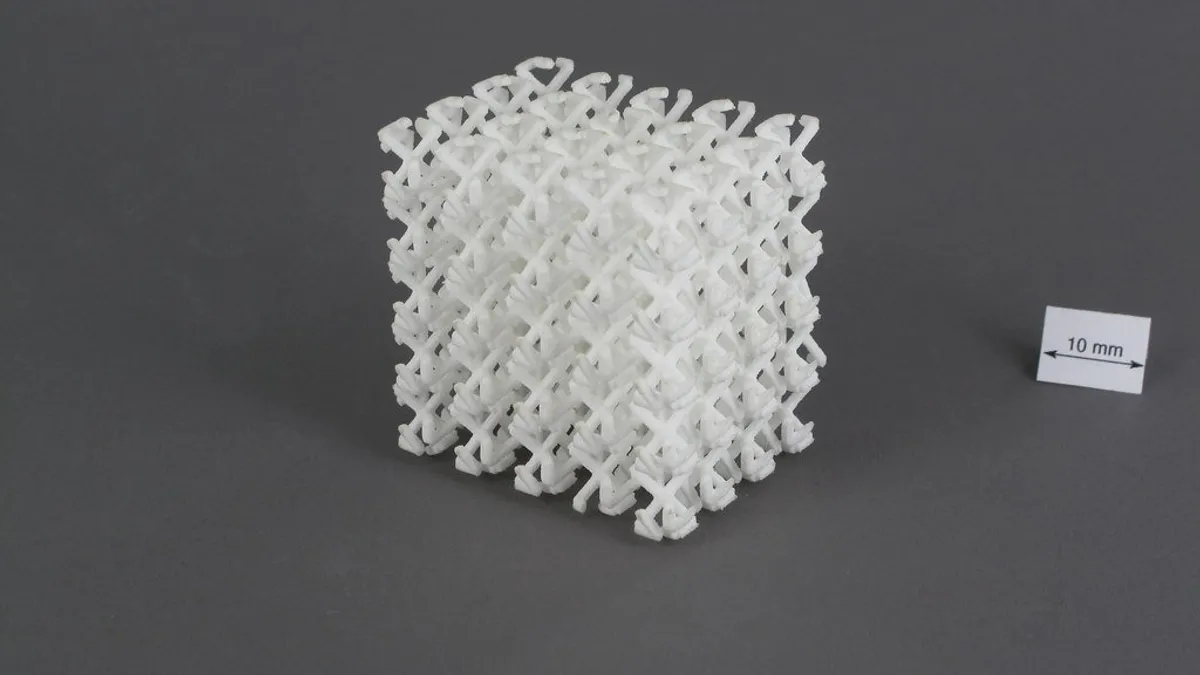
The finish quality can also differ from a home FDM printer. Some overseas services default to SLS or resin printing. The texture sometimes turned out different from what I’d imagined.
Wrapping up: deciding after you’ve tried it
In the end, I tried outsourced printing a few times. After that, I decided to buy a home printer. It became clear there were plenty of recurring uses — kids’ craft projects, storage cases, and more.
That said, I don’t think this conclusion applies to everyone. For someone who’d only use it occasionally, outsourced printing alone might be plenty.
Test small before making a big purchase, then decide. That’s a mindset we try to apply in other areas of our household too.
Reviewing your mobile bill is actually a pretty similar idea, I think. You don’t have to switch every line all at once. You can start by trying just one line first.
Before changing a big fixed cost, try it small first. Whether it’s a 3D printer or your phone bill, I think the underlying logic is the same.
In this series, I’m planning to write about the actual printer I ended up choosing. I’d love for you to come back for that one too.
Clicking this opens the Rakuten login page. Once you log in, you’ll see the campaign details.
This article contains affiliate advertising. If you sign up for a product or service through a link on this site, we may receive compensation from the partner company. The site operator is also an employee of Rakuten Group and may receive compensation through an employee referral program. The content and opinions here are based on the operator’s own experience and research regardless of any advertising relationship, but please read with the above in mind. See the Disclaimer & Affiliate Disclosure for details. Disclaimer & Affiliate Disclosure
This article includes machine-translated content. Please check the official Rakuten Mobile multilingual page for exact terms.
If you have concerns about Rakuten Mobile coverage or signal quality, you can consult through the official signal improvement request form .