Good morning. It’s まさきん.
In our house, there are plenty of moments — school pickups, grocery runs — where I’d love to travel light. That said, I’ve never actually tried leaving the house without my iPhone. Today I want to break down how the Number Sharing service works, for anyone in the same boat.
What the add-on does
It costs 550 yen a month. You can only sign up if you own both an iPhone and an Apple Watch.
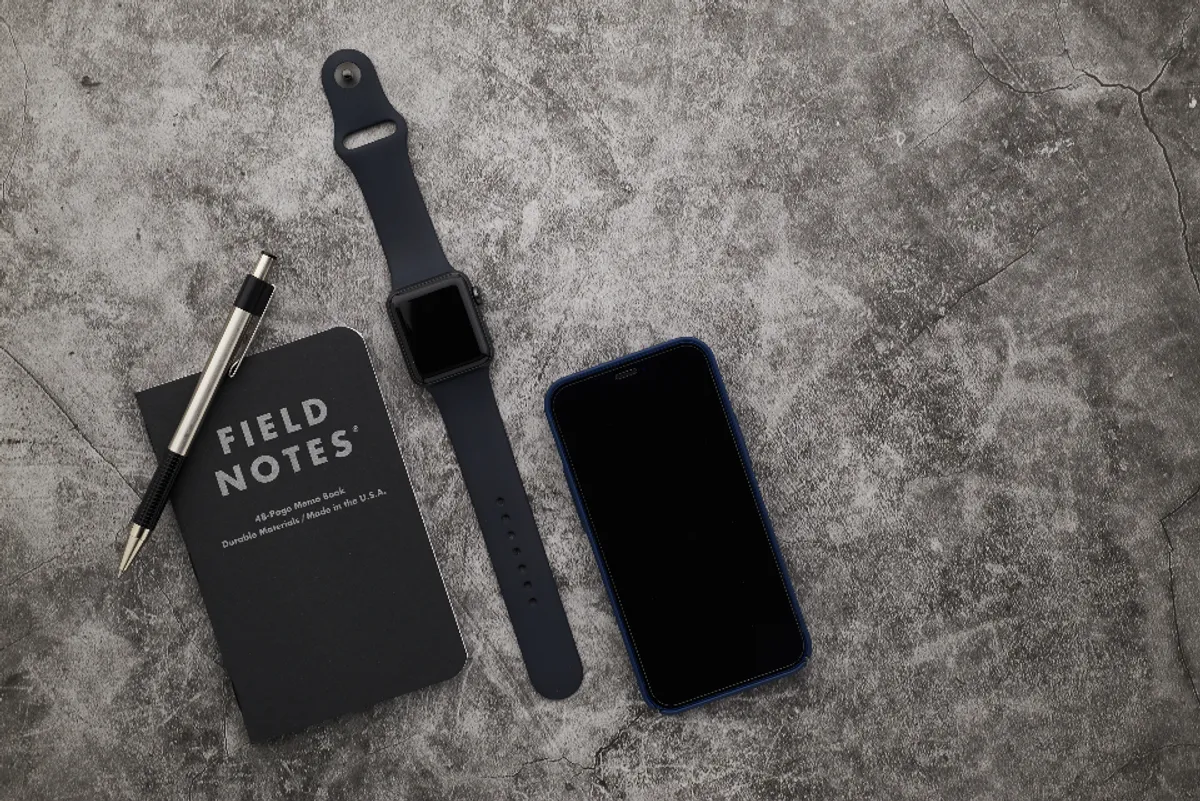
The idea is simple: one phone number, shared between your iPhone and your Apple Watch. Once you sign up, you can leave your iPhone at home and still make calls or send messages using just your Apple Watch.
You can also stream music or podcasts entirely from your wrist. The Apple Watch Series 11 apparently also has a feature for calling for help in an emergency. That said, sending an emergency SOS still requires either cellular or Wi-Fi connectivity.
Which devices qualify
This add-on comes with a few conditions.
First, you need an iPhone on a Rakuten Mobile line to serve as the parent line. For the Apple Watch, only Cellular models from Series 3 onward qualify.
Note that it doesn’t apply to the “Rakuten Saikyo Plan (Data type)”. It’s worth checking in advance whether your plan qualifies.
A few things worth knowing before you use it
Calls and data usage from your Apple Watch get billed to the registered iPhone. Your call records also get logged together under the iPhone side.
You can register up to five Apple Watches per parent line. That said, only one of those five can actually be set up with the Number Sharing service at a time.
It’s also worth remembering that this doesn’t work overseas — good to keep in mind before any trips.
Clicking this opens the Rakuten login page. Once you log in, you’ll see the campaign details.
Who this add-on suits
I think how much value you get from this add-on really depends on your lifestyle.
First, it’s great for people who don’t want to carry their iPhone during a run or a gym session. Being able to move around without worrying about missed calls is simply a comfortable feeling.
It’s also a good fit for people who often want to travel light — school pickups, grocery runs, that sort of thing. Cutting down on what you carry is a small thing, but it genuinely feels nice.
On the other hand, if you’re basically always carrying your iPhone anyway, the extra 550 yen a month might not be worth it. Before signing up, I’d recommend thinking back on how often you actually leave the house without your iPhone.
For a deeper dive into the cost-benefit side of things, I’ve also written Apple Watch Number Sharing: The Cost-Benefit Question Worth Checking Before You Sign Up.
Wrap-up
The Number Sharing service is an add-on that lets your Apple Watch handle calls and data on its own, for 550 yen a month. Since there are device requirements involved, it’s worth checking those carefully before signing up.
Whether it’s right for you probably comes down to how often you leave your iPhone at home. If security is also on your mind, it’s worth checking out Saikyo Protection as well.
For the latest supported devices and pricing, I’d recommend checking the official site.
Clicking this opens the Rakuten login page. Once you log in, you’ll see the campaign details.
This article contains affiliate advertising. If you sign up for a product or service through a link on this site, we may receive compensation from the partner company. The site operator is also an employee of Rakuten Group and may receive compensation through an employee referral program. The content and opinions here are based on the operator’s own experience and research regardless of any advertising relationship, but please read with the above in mind. See the Disclaimer & Affiliate Disclosure for details. Disclaimer & Affiliate Disclosure
This article includes machine-translated content. Please check the official Rakuten Mobile multilingual page for exact terms.
If you have concerns about Rakuten Mobile coverage or signal quality, you can consult through the official signal improvement request form .