Good morning. It’s まさきん.
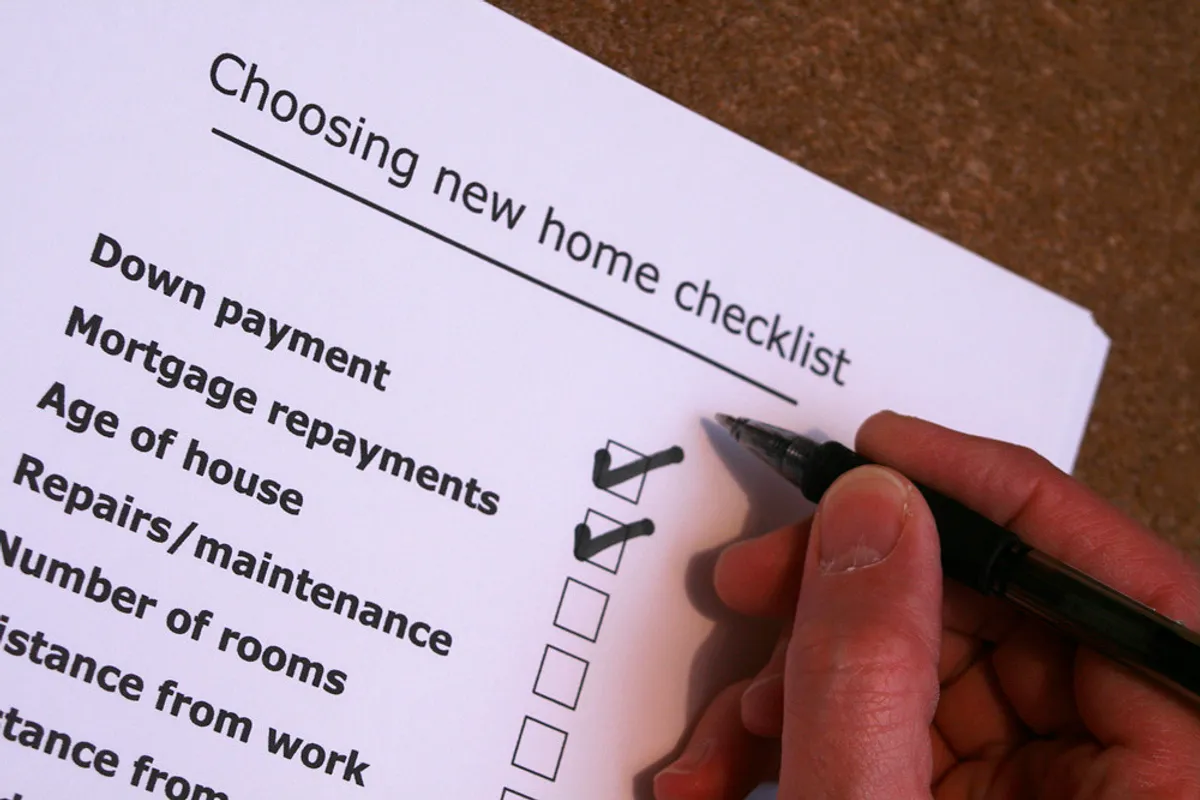
Here’s the short answer. There are 4 key things to check when switching to Rakuten Mobile: “① signal coverage,” “② device compatibility,” “③ the cancellation terms of your current contract,” and “④ the difference between the Rakuten network and the partner network.”
If you check these 4 points in advance, your chances of running into problems drop a lot. If you skip them and just sign up, you’re much more likely to regret it. Typical examples are “the signal is weaker than I expected” or “my phone didn’t work.”
I work as a digital marketer. Because of my job, I always test things out before switching to a new service. Even so, when I switched my whole family over at once, I didn’t check enough and had a few close calls.
Based on that experience, I’ve put the 4 points together for you here.
① Check the signal at home, at work, and along your commute
The most important thing is the signal in the places you use your phone most. Rakuten Mobile publishes a coverage map on its official website. I recommend searching your home address, the area around your workplace, and the stations and routes you use for commuting or school.
In my case, my home was well inside the Rakuten network area. When I visited my parents, though, the signal there was a bit weak. I was thinking about switching my parents’ phones at the time, and I was really glad I’d checked first.
Even if the map says an area is covered, the actual experience can be different inside buildings or underground. So it’s a good idea to also check reviews and what people say on social media.
One more thing from a marketer’s point of view: coverage information gets updated over time. Don’t fully trust information you looked at a few months ago.
Make it a habit to check the latest coverage map once more right before you sign up.
② Check that the phone you plan to use is officially supported
The next thing people often overlook is device compatibility. This applies to the phone you use now, or the one you want to use. Check whether it’s on Rakuten Mobile’s list of supported devices.
Be especially careful if you have a SIM-free phone, or if you plan to “bring your own” phone that you bought from another carrier. The list of supported devices is on the official website. You can search it by manufacturer and model name.
What you need to check isn’t just whether the phone works. You’ll also want to look at features, like “Does it support tethering?” and “Can I use it with dual SIM?”
I planned to reuse iPhones for my family. I checked their SIM lock status beforehand, so switching went smoothly after I signed up.
Even if your phone isn’t on the supported list, it may still work in practice. Just keep in mind that if you have problems with calls or data, it’s your own responsibility.
If you’re worried, this could also be a good time to think about upgrading to a supported phone.
③ Check the cancellation terms of your current contract
This is the point that hits your household budget directly if you miss it. Depending on your current carrier, you may have to pay a cancellation fee or contract termination fee. You might also still be paying off your phone in installments.
Before you switch, make sure to check your current contract details on your carrier’s account page. Specifically, look at the following:
- Whether there is a cancellation or termination fee, and how much it is
- The remaining balance on your phone installment payments
- Whether you’re in your contract renewal month (some plans still charge a penalty if you cancel outside the renewal month)
- How to get the reservation number needed for MNP (switching while keeping your phone number), and how long it’s valid
The MNP reservation number has an expiration date. If you put off the process too long after getting it, you may have to go through the hassle of getting a new one.
When I switched, I got busy right after getting my number. I ended up applying just before it expired, which was stressful. So I recommend moving on to the application as soon as possible after you get it.
Also, cancellation terms differ by carrier and by plan. They can also change due to things like legal revisions. Check the latest terms on your current carrier’s official information.
So far we’ve covered cancellation fees and remaining phone payments. Checking all this is a bit of a hassle, but it can actually be a good opportunity. While I was doing these checks, I also reviewed my monthly phone bill. In the end, it was a good chance to rethink my overall phone costs.
If you want to review your costs, I recommend starting with the price simulation page.
Clicking this opens the Rakuten login page. Once you log in, you’ll see the campaign details.
④ Understand the difference between the Rakuten network and the partner network (au network)
Finally, here’s a point that’s surprisingly easy to misunderstand. Rakuten Mobile uses its own “Rakuten network.” However, there are still areas where the Rakuten network isn’t fully built out. In those areas, the system uses a partner company’s network instead (the partner network).
From a marketer’s perspective, this is an important point. Depending on which network you’re on, your connection terms and how fast it feels can change.
In Rakuten network areas, you can generally use data reliably. In partner network areas, however, there may be a monthly limit on how much data you can use.
These terms can change when plans are revised. So check the latest official information before signing up. The terms for using the partner network are especially worth checking.
You’ll probably also want to know which network covers the areas where you live and spend your time. The coverage map I mentioned in ① shows them in different colors. Checking that at the same time will give you peace of mind.
If you assume “Rakuten Mobile area = the same conditions everywhere,” you may be confused when your connection isn’t what you expected.
Summary
In this post, I covered 4 things to check before switching: “① signal coverage,” “② device compatibility,” “③ the cancellation terms of your current contract,” and “④ the difference between the Rakuten network and the partner network.”
None of these are especially difficult. You can check them in a few minutes on the official website or your current carrier’s account page.
But it’s also true that if you skip these checks, you’re more likely to feel “this isn’t what I expected” after signing up. We’re a two-income household and are busy every day.
Even so, it’s better to look things up first than to skip that little bit of effort and panic later. I’ve found it actually saves time in the end.
If you’re thinking about switching, try going through these 4 points one by one. Then decide whether the plan suits you and your family.
Our family switched after checking these 4 points. We’re happy with the result, so Rakuten Mobile may be worth considering as one option for cutting your phone costs.
If you’re interested, check the latest plans and coverage along with your simulation results.
Clicking this opens the Rakuten login page. Once you log in, you’ll see the campaign details.
This article contains affiliate advertising. If you sign up for a product or service through a link on this site, we may receive compensation from the partner company. The site operator is also an employee of Rakuten Group and may receive compensation through an employee referral program. The content and opinions here are based on the operator’s own experience and research regardless of any advertising relationship, but please read with the above in mind. See the Disclaimer & Affiliate Disclosure for details. Disclaimer & Affiliate Disclosure
This article includes machine-translated content. Please check the official Rakuten Mobile multilingual page for exact terms.
If you have concerns about Rakuten Mobile coverage or signal quality, you can consult through the official signal improvement request form .